OKX Futures USDT-M

Scalping on OKX
at Maximum Speed

Professional panel for instant trading on the #3 exchange in the world. Open positions with one click.

300+ trading pairs
up to 100x leverage
~300ms order execution
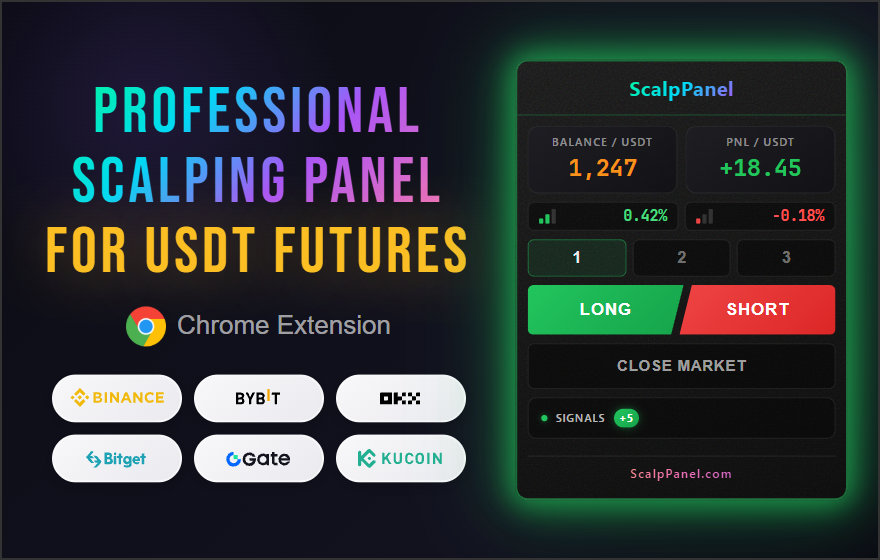
ScalpPanel
BALANCE / USDT 2184.50
PNL / USDT +12.45
0.38%
-0.15%
SIGNALS +2

ScalpPanel for OKX Futures

All scalping tools in one panel

Instant Orders

LONG/SHORT with one click at market price via OKX API V5. No confirmations or delays.

Auto TP/SL

Automatic Take Profit and Stop Loss placement when opening each position on OKX.

3 Presets

Save settings for different strategies. Switch with one click.

Pump Screener

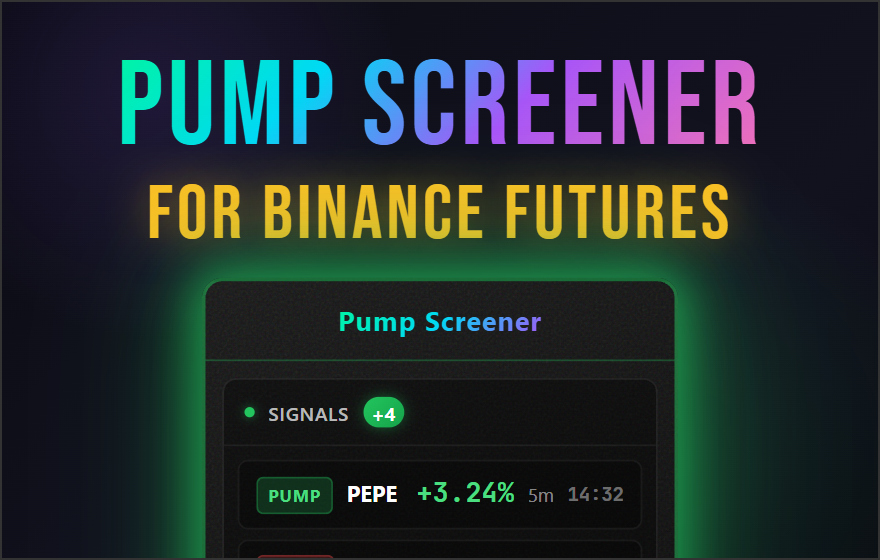
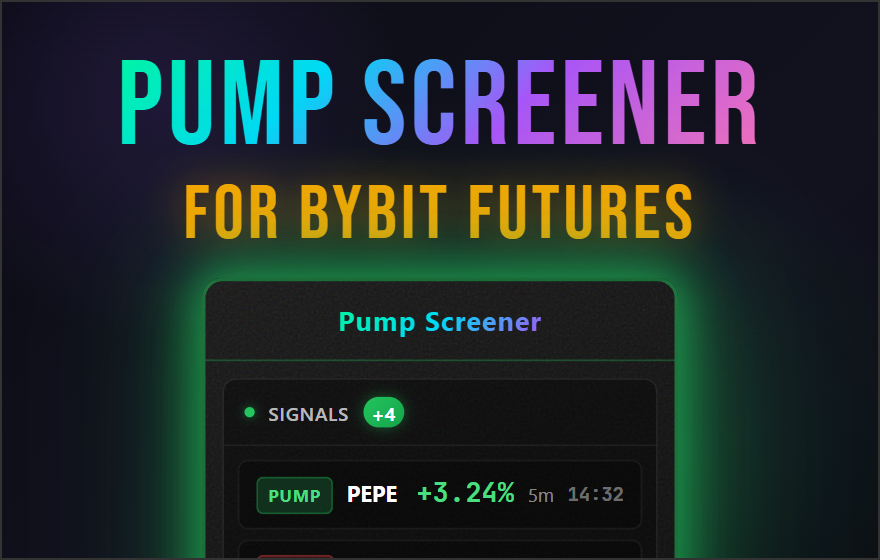
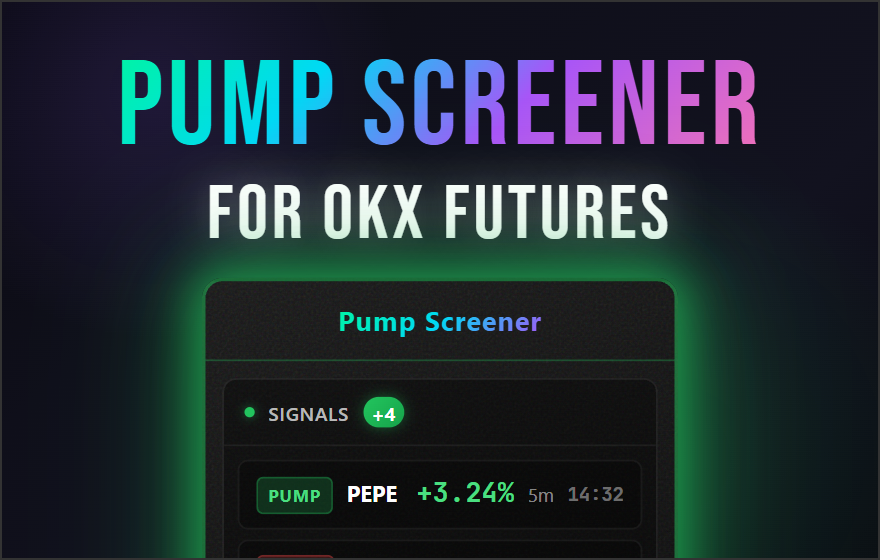
Monitor all OKX pairs with volume filter. Real-time PUMP and DUMP signal detection.

Volatility

Price change % indicators for previous and current candles help select preset with appropriate TP/SL.

Timeframe Alerts

Notifications on 15m and 1h candle closes warn about possible sharp price reversals.

Live PnL

Profit/loss updates 10 times per second via OKX WebSocket.

Account Balance

OKX balance in panel updates after each trade.

Sound Alerts

Audio notifications when PUMP/DUMP signals are detected on OKX.

Margin Mode

Cross or Isolated margin. Set for all presets simultaneously.

Signal Cooldown

Configurable pause between PUMP/DUMP signals (1-60 min) to avoid spam signals.

Synchronization

Panel state syncs between all open OKX tabs.

Why ScalpPanel?

One click instead of ten actions

ScalpPanel - Professional Scalping Panel
ScalpPanel for OKX
ScalpPanel for Binance
ScalpPanel for Bybit

Scalping on OKX Futures without delays and extra actions

The standard OKX interface requires many clicks to open a position. ScalpPanel reduces this to one click - you choose the direction, and the panel automatically places an order with your preset margin, leverage, take-profit and stop-loss.

  • Instant position opening via OKX API V5
  • Automatic TP/SL based on your settings
  • Works directly on the OKX exchange page
Features Standard Interface ScalpPanel
One-click position opening
Automatic Take Profit
Automatic Stop Loss
3 settings presets
15m and 1h candle close notifications
Candle volatility indicator
Real-time PnL
Net PnL after closing trade
Pump/dump screener
Sound alerts for pump/dump signals
Position opening time 20-60 sec

ScalpPanel for OKX

Trading panel for scalping on OKX Futures

OKX is the third-largest cryptocurrency exchange in the world by trading volume, after Binance and Bybit. Daily volume on OKX Futures regularly exceeds $15 billion, and the platform offers over 270 trading pairs with leverage up to 100x. OKX is known for its innovative API V5, which is considered one of the most advanced and well-documented in the industry.

The exchange is particularly popular among professional traders due to low fees (0.02%/0.05% maker/taker), stable operation even during high volatility periods, and advanced trading tools. OKX also offers unique features: options trading, structured products, and its own DEX platform.

However, the standard OKX web interface, like other exchanges, is not optimized for scalping. ScalpPanel solves this problem: all trade parameters are preset in presets, and a position opens with one click with automatic TP/SL via OKX API V5.
Why does scalping on OKX require specialized tools?

OKX is an exchange for professionals. Large funds and algorithmic traders with direct API access trade here. Competition for the best price is enormous, and a retail trader with manual input is at a disadvantage. ScalpPanel levels the playing field: orders are sent directly to OKX API V5 with an average execution time of ~300ms - this is several times faster than filling forms in the standard interface.

Automatic TP/SL - Capital Protection

The main risk of scalping is emotional decisions. A trader holds a losing position too long or closes a profitable one too early. ScalpPanel automatically places Take Profit and Stop Loss immediately when opening a position on OKX. Orders are placed on the exchange - they will trigger even with a closed browser.

Presets for Different Market Conditions

Volatility on OKX Futures varies from calm periods to sharp movements of 5-10% within minutes. ScalpPanel allows you to create 3 presets with different parameters: conservative for low volatility, aggressive for strong trends, and medium for standard conditions. Switching between presets is one click.

Built-in Pump Screener for OKX

OKX trades 270+ pairs, and tracking them manually is impossible. The built-in pump screener monitors all OKX pairs in real-time via WebSocket and instantly notifies about sharp price movements. You filter pairs by daily volume, set the trigger threshold - and receive only relevant signals.

Frequently Asked Questions

Answers to popular questions about ScalpPanel for OKX

API keys are encrypted with AES-256-GCM and stored locally in your browser. We do not have access to your keys - the extension works directly with OKX API without intermediary servers.

The extension only requires Read and Trade permissions. Withdrawal permission is NOT required - the panel cannot withdraw funds from your OKX account.

No, ScalpPanel is a Chrome browser extension for desktop. Mobile browsers don't support Chrome Extensions. For scalping, we recommend using a computer.

Yes, the subscription is tied to your account, not to a device. You can install the extension on any number of computers and use it with your account.

The pump screener is a built-in module for tracking sharp price movements on OKX. First, you filter trading pairs by daily volume, then the screener monitors filtered pairs via OKX WebSocket. When a sharp price movement occurs, you receive a sound and visual signal.

Presets are saved settings configurations (initial margin in USDT, leverage, TP/SL). Margin mode (Cross/Isolated) is set once for all presets. You can create 3 presets for pairs with different volatility.

Orders are sent directly to OKX API V5. Average execution time is ~300ms. This is significantly faster than manual entry through the standard exchange interface.

Yes, the panel works independently on each tab with an OKX trading pair. You can open multiple tabs with different pairs - panel state syncs between tabs.

TP and SL are placed as separate orders on OKX immediately after opening a position. They are executed by the exchange - so they will trigger even if you close the browser.

ScalpPanel is a commercial product, and access to trading panels is only provided after purchasing a license. However, you can install the free Pump Screener for OKX to evaluate the quality of our products.

Ready to trade more efficiently?

Get access to ScalpPanel for OKX Futures